Cursor Buddies
A downloadable tool for Windows
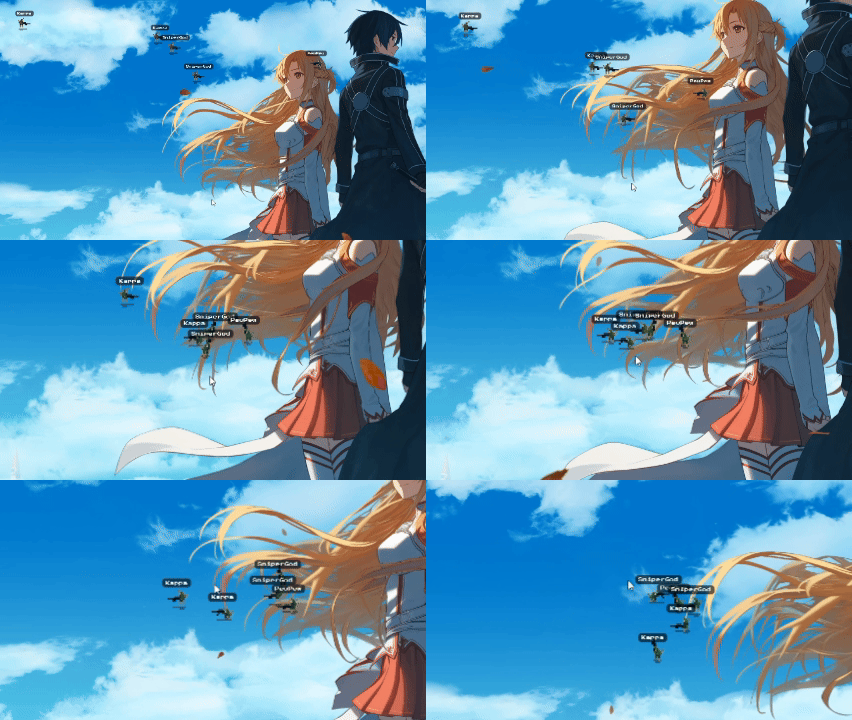
Cursor Buddies is a transparent, interactive desktop overlay designed to liven up your streams and keep your audience engaged!
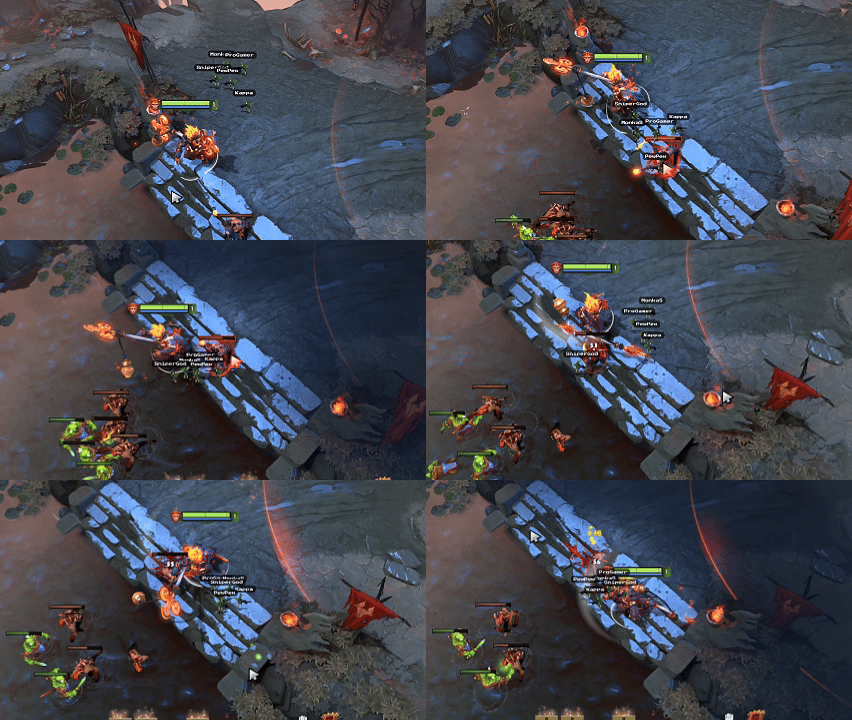
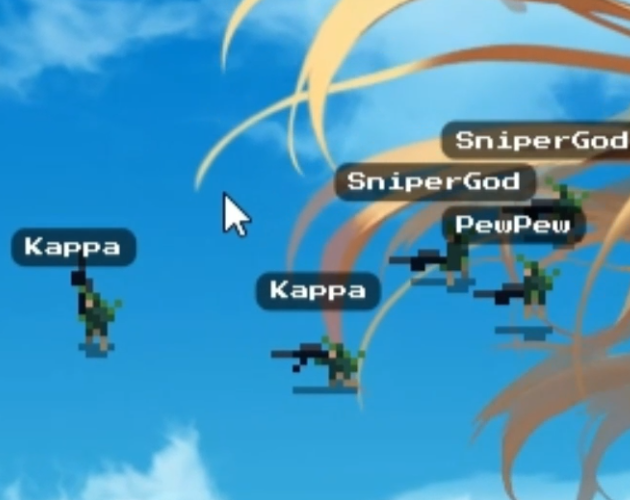
Watch as little pixel bots run around your screen, follow your mouse cursor, and celebrate your latest supporters. It runs completely in the background without interfering with your gameplay or work.
✨ Key Features
- Twitch/YouTube Engagement: Connect your DonationAlerts account to automatically spawn buddies named after your latest supporters! (connecting to Twitch account later)
- Hardware Click-Through: The widget is completely transparent to your mouse. Play games, click desktop icons, and work without the buddies getting in your way.
- Local / Offline Mode: Don't want to connect an API? Simply type your own custom names or jokes into the config file.
- Highly Customizable: Edit the
config.jsonto change the maximum number of bots, movement speed, hotkeys, and scaling.
🎥 How to capture in OBS Studio
Cursor Buddies is built with system-level transparency. To display it on your stream without black flickering, add a new Game Capture source in OBS and make sure to check the "Allow Transparency" box.
(Note: NVIDIA ShadowPlay layered window capture is not supported).
⌨️ Controls & Closing
- Toggle Visibility: Press
Minus(-) by default to call or dismiss your squad. - Hold Mode: Hold
Altto temporarily show the buddies. - Emergency Exit: Press
Ctrl + Alt + Qto close the application immediately.
❤️ Support the Developer
Cursor Buddies is free to use! If you enjoy the widget and want to see more features, consider supporting me:
Download